MIXMATTER
Photography in.
Art direction out.
MixMatter reads the photograph you give it, decides what must survive, and rebuilds the rest through crop, flat fields, halftone and torn-paper collage. The place stays recognizable. The image becomes designed.
- Runs in
- Claude, ChatGPT, Codex
- Needs
- No account, server or MCP
- License
- MIT, open source
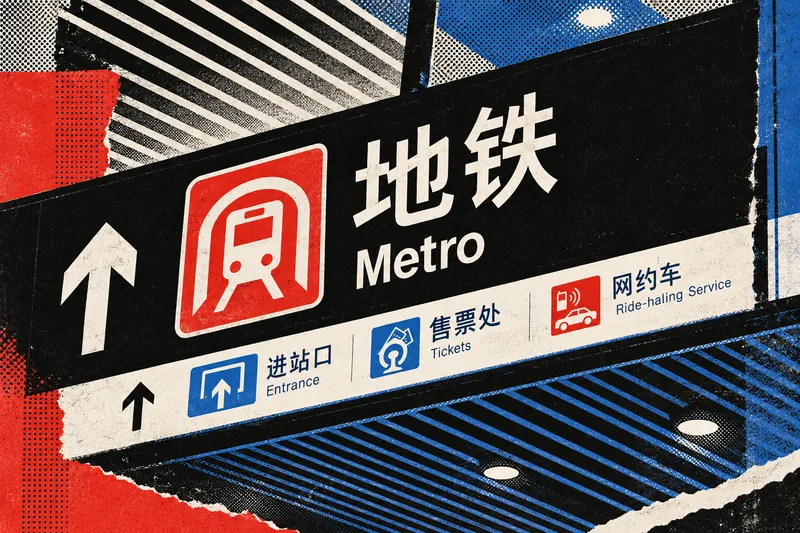
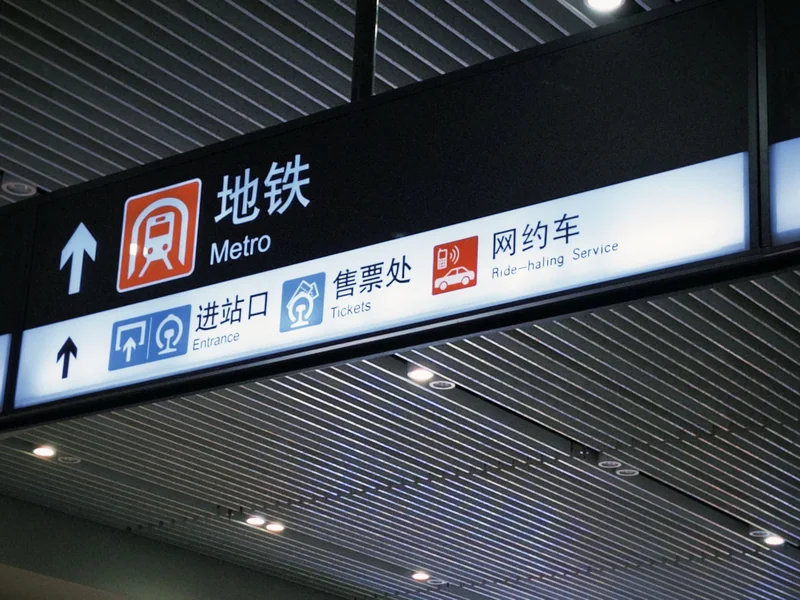
01 SOURCE → RESULT
Same photograph.
New hierarchy.
Nine sources, nine different results. Each keeps the evidence that makes the place itself and spends everything else on structure.
02 HOW IT READS
Five silent decisions
before any texture.
MixMatter does not run a filter. For every source it makes the same five structural decisions, quietly, and only then picks materials.
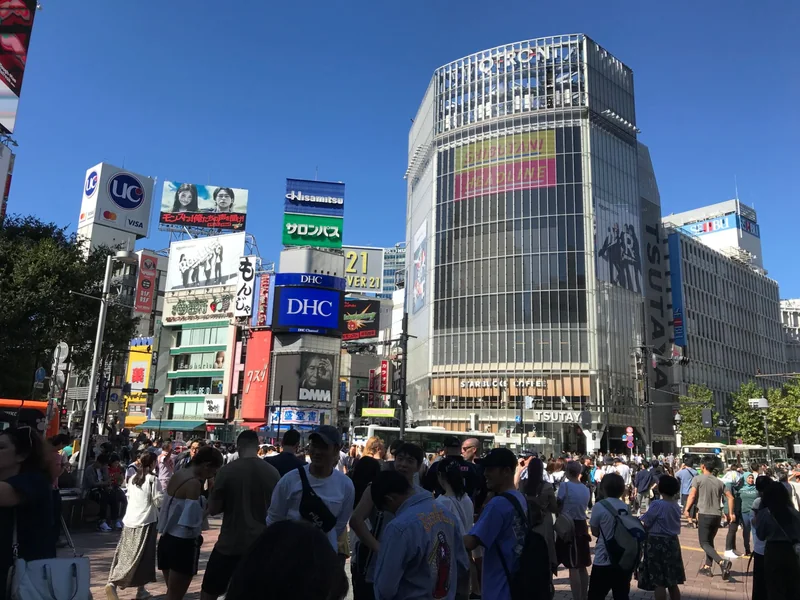
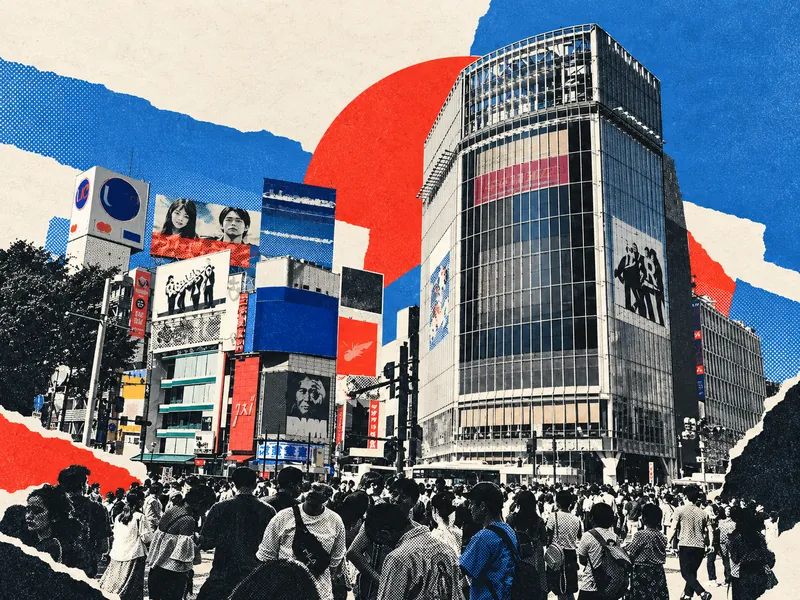
- 01
Identify anchors
Find the one to three structures that make the scene recognizable: a tower silhouette, a coastline, a window grid, a sign that names the place.
- 02
Disassemble
Stop treating the photograph as one intact picture. Break it into components that can be moved, cropped or dropped.
- 03
Recompose
Build a new hierarchy through crop, scale shift, overlap, displacement and compressed depth. The camera’s layout is not sacred.
- 04
Reassign states
Some regions stay photographic, some become printed halftone or duotone, some turn into flat graphic fields, some are collaged.
- 05
Reduce
Cut until there is a dominant zone, a secondary zone and real quiet. Color comes from the source, so unrelated photographs never share a template.
03 SEE IT RUN
One photograph,
one sentence.
A real session in ChatGPT, trimmed to half a minute: attach a photo, choose how far to push it, get the reconstruction back.
04 PLATES
Twelve sources.
No house template.
Open any plate to inspect the halftone and paper edges at full size. Where the original photograph is available, switch to “Source” to see it.
05 STEER IT
Talk to it
like an art director.
Attach a photograph and ask in plain language. You steer direction, structure and intensity; revisions keep what already works. Tap a prompt to copy it.
BDirection
CStructure
DIntensity
If the host can generate or edit images, MixMatter makes the image. If it can only read images, it returns a source-specific brief to paste into your image model instead of pretending to render.
06 SOURCE-TEXT POLICY
Zero new text
by default.
- Source text is content. It may be kept, cropped, obscured or reduced to texture.
- Identity-critical wording, like a station name or a storefront, is preserved where feasible.
- Nothing is translated, duplicated into a bilingual layout, rewritten or replaced with pseudo-text.
- If you supply exact wording, only that wording is added.
07 INSTALL
Runs wherever
Agent Skills load.
MixMatter is an open-source Agent Skill. The host model does the image understanding and, where available, the image generation. No MCP server, account or backend.
Add the marketplace, then install the plugin:
/plugin marketplace add galokme/MixMatter
/plugin install mixmatter@mixmatterThen call it with /mixmatter:mixmatter, or just attach an image and ask. You can also copy the skill folder directly:
git clone https://github.com/galokme/MixMatter.git
mkdir -p ~/.claude/skills && cp -r MixMatter/skills/mixmatter ~/.claude/skills/Zip the skill folder so that mixmatter/SKILL.md sits at the top of the archive:
git clone https://github.com/galokme/MixMatter.git
cd MixMatter/skills && zip -r ../../mixmatter-skill.zip mixmatterUpload mixmatter-skill.zip under Settings → Capabilities → Skills and switch it on.
The ChatGPT listing is in review. Until it is live, the repository also works as an OpenAI plugin (plugin.json, .codex-plugin/plugin.json). For local Codex testing:
codex plugin marketplace add galokme/MixMatter --ref mainAny host that loads Agent Skills:
npx skills add galokme/MixMatter --skill mixmatter